Blogs

Jerry Niu
阅读少于一分钟
UPDATE (2/20/2009) - These instructions apply to versions 4.1.X, 4.2.X, 4.3.X, 4.4..X, 5.0.X & 5.1.X)
Read my post on "How to get Liferay running in Windows XP Pro" for reference.
Download SQL Scripts and unzip

- Navigate to the "\[location of SQL folder]\create\" folder
- Run "create-mysql.sql"
- The sript will be applied to the "lportal" DB


Point Tomcat to MySql DB
- Navigate to the "\[location of Tomcat folder]\conf\Catalina\localhost\" folder
- Modify ROOT.xml
- Comment out Hypersonic
- Uncomment MySql block
- If you're Tomcat does not have the mysql.jar, you can obtain it from Liferay portal source

Startup Tomcat
- Notice the MySql console print outs

Related Assets...
未找到结果
More Blog Entries...
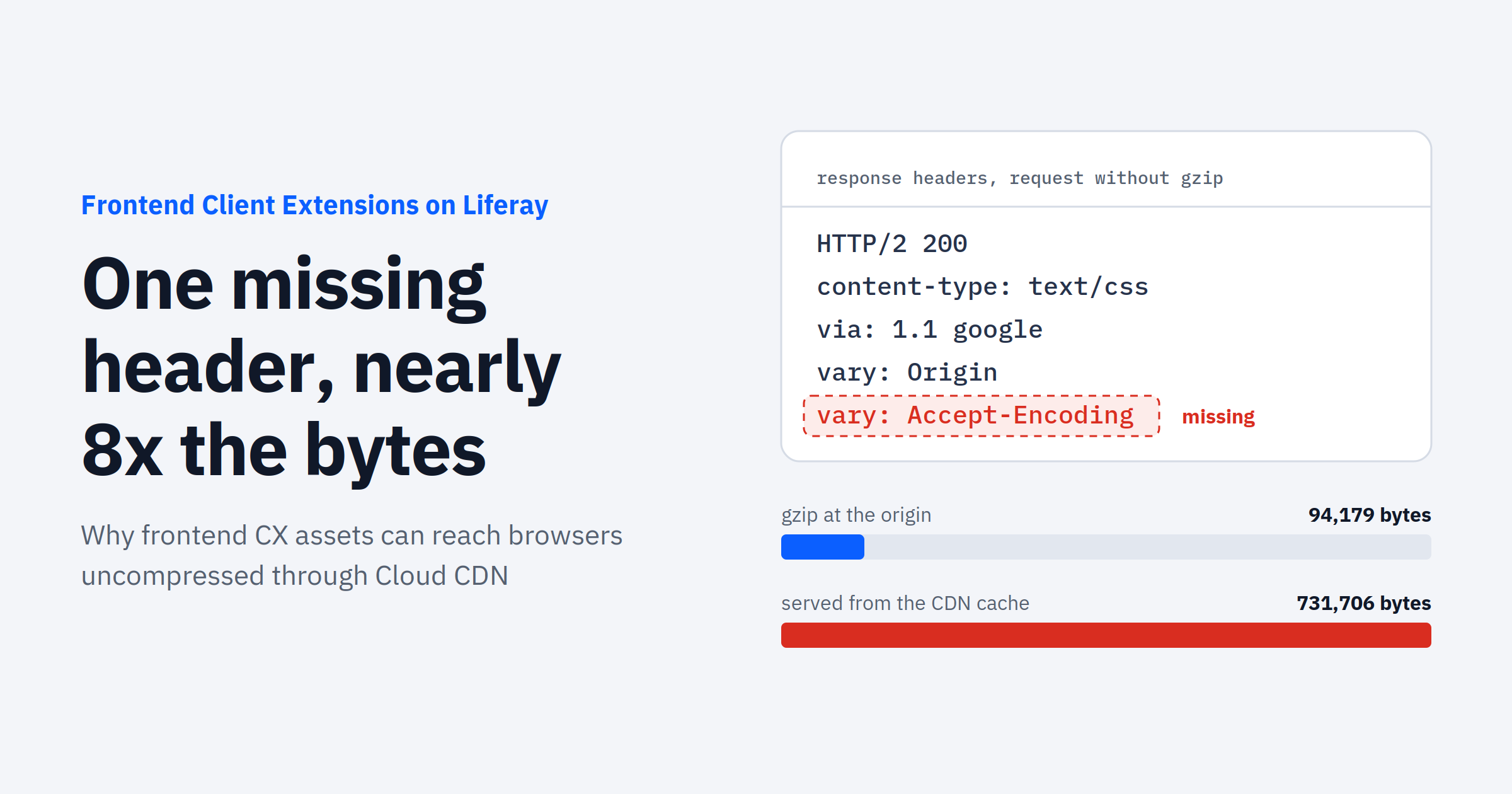

Yasuyuki Takeo
十月 10, 2026
Community
Company
Feedback