Blogs
Sharepoint to Liferay Migration

Tony Lim
Moving an intranet from SharePoint to Liferay raises questions that go beyond copying files. Where should lists live? How should pages be rebuilt? What happens to metadata, users, and permissions?
To explore these questions, this sample proof of concept brings together a hands-on tutorial, migration tooling, and AI-assisted discovery. The SharePoint-to-Liferay Migration Tutorial targets SharePoint Online and Liferay DXP 2026.Q3, including the new CMS with Spaces and content structures.
The aim is to give developers and architects a practical starting point for understanding the source site, reviewing migration decisions, and validating the result.
AI assistance with a repeatable migration process
One of the most interesting parts of the sample is how it divides the work.
An AI agent uses Model Context Protocol (MCP) to inspect the source, help review mappings, and check the destination. A separate Python command-line tool, sp2lr, performs the bulk data transfer through a deterministic, idempotent loading process.
The repository includes a read-only SharePoint MCP server built on Microsoft Graph and the SharePoint REST API. On the destination side, it connects to Liferay’s built-in MCP endpoint.
This approach gives the agent the context needed to assist with migration decisions while keeping record copying in a process that can be inspected and rerun. Human review remains an explicit part of the workflow.
Mapping SharePoint concepts to Liferay
The sample explores several migration paths:
- Modern pages become Liferay content pages built with fragments and navigation.
- News posts become blog postings, with an alternative mapping to a CMS content structure.
- Document libraries map to Documents and Media folders, files, and document types.
- Managed metadata maps to vocabularies and hierarchical categories.
- Content-oriented lists, such as FAQs and policies, map to CMS content structures in a Space.
- Application-oriented lists, such as requests and orders, map to Liferay Objects.
- Users, groups, and permission levels map to user accounts, user groups, memberships, and roles.
The distinction between content lists and application lists is especially useful. A policy collection and a request-tracking application may both start as SharePoint lists, but their purpose should guide their destination in Liferay.
The sample also addresses attachments, links, selected unique permissions, and source audit values. Created and modified dates and author information are retained in explicit fields named spCreated, spModified, spCreatedBy, and spModifiedBy. These preserve source information separately from Liferay’s native audit fields.
Extract, plan, load, and verify
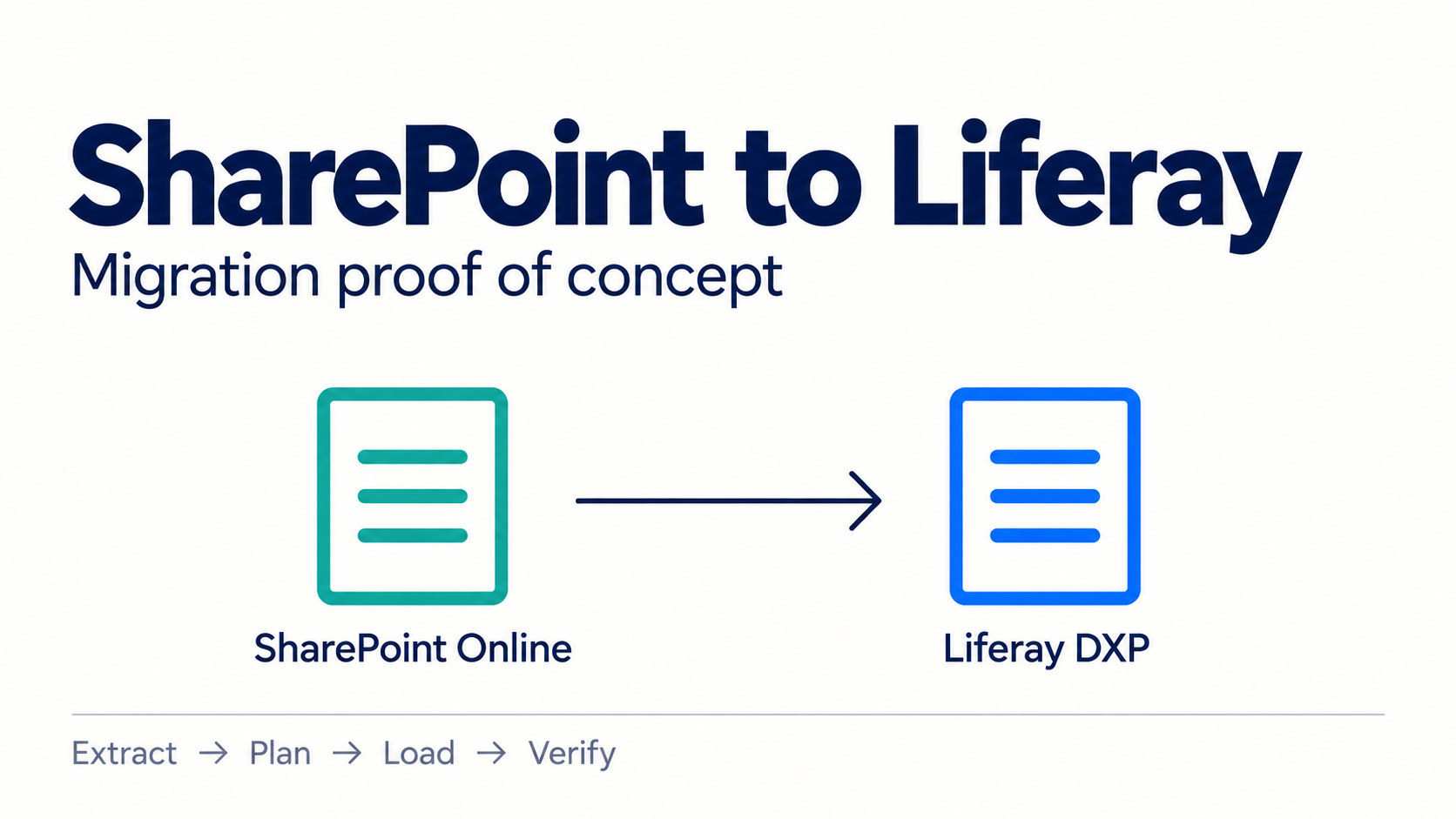
The migration follows four stages:
- Extract: Read the SharePoint site into local migration data.
- Plan: Generate a migration plan and review mappings and manual follow-ups.
- Load: Preview operations with a dry run, then load the data into Liferay.
- Verify: Generate a reconciliation report and perform additional checks with the agent.
The repository provides tutorial chapters, example configuration, agent prompts, a Docker setup, and a validation checklist to support this process. The plan and dry-run outputs create useful review points before loading data into the destination.
A PoC with a defined scope
Treat this project as a sample to evaluate and adapt for your environment. The repository identifies API assumptions that must be checked against a real Liferay DXP 2026.Q3 instance, with manual follow-ups for calls that cannot be completed automatically.
There are also clear boundaries. Version history, Power Automate flows, Power Apps forms, classic wiki and publishing pages, and retention or sensitivity labels are outside the sample’s migration scope. More complex web parts, workflow behavior, and page-level unique permissions require follow-up work.
The repository’s scope section and validation checklist explain these boundaries in more detail.
Try the sample
Start with a small, representative SharePoint site and a non-production Liferay environment. Follow the prerequisites, configure the connections, and review the generated plan and dry-run output before loading. The supplied Docker setup requires a DXP license.
If you are exploring a SharePoint-to-Liferay migration, this PoC offers a concrete way to test mappings, identify gaps, and discuss how MCP-assisted tooling could fit into your migration process.
Explore the SharePoint Online to Liferay Migration Tutorial on GitHub
Try it with your own sample content, and share feedback or issues in the repository to help improve the approach.
Related Assets...
More Blog Entries...